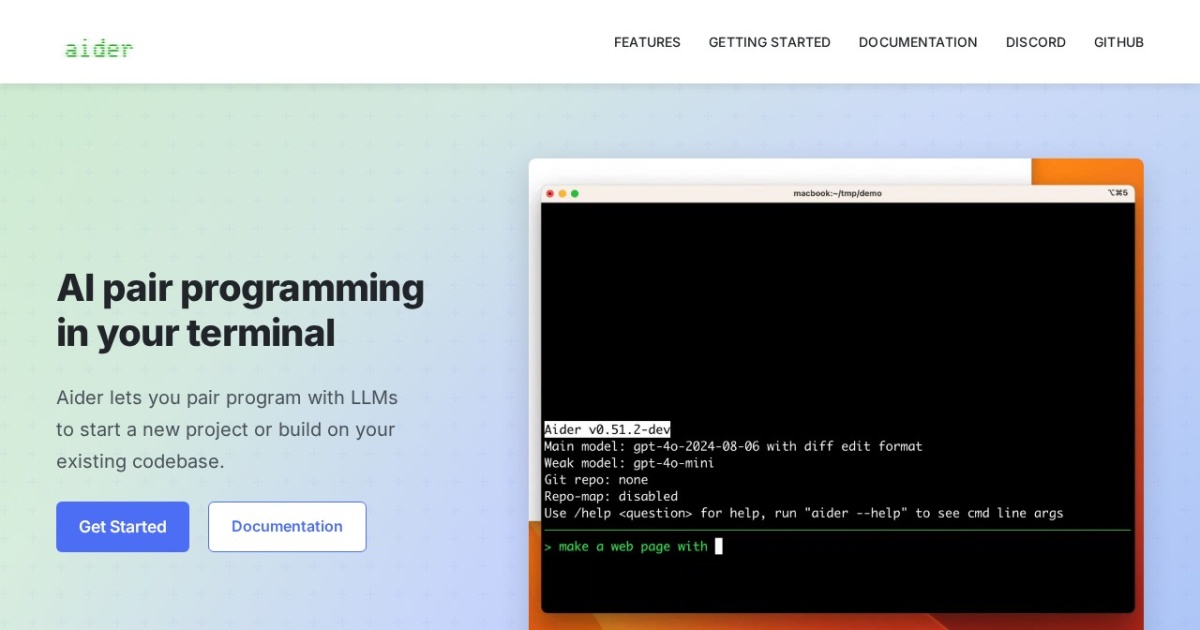

Aider is an open-source AI pair programming tool that operates in the terminal with tight git integration, enabling developers to collaborate with AI models to edit code across multiple files while maintaining clean version control history. It consistently ranks among the top-performing AI coding tools on the SWE-bench benchmark, which tests the ability to resolve real-world GitHub issues.
Aider's design philosophy centers on seamless git integration. Every change the AI makes is automatically committed with a descriptive commit message, creating a clean, reviewable history that makes it easy to understand, audit, and revert AI-generated changes. This is particularly valuable for professional development workflows where code history matters. Aider supports multi-file editing, allowing it to make coordinated changes across several files in a single interaction, which is essential for tasks like refactoring, implementing features that span multiple modules, or updating tests alongside production code. The tool works with a wide range of LLM providers including OpenAI, Anthropic, Google, and locally running models through Ollama, and supports different editing formats optimized for each model's strengths. A voice coding mode allows developers to dictate changes hands-free. Linting and testing integration means Aider can automatically check its changes against your project's quality standards.
Aider is best suited for developers who prefer terminal-based workflows and want an AI assistant that respects version control best practices. It appeals to experienced developers who value the ability to review AI changes through git diffs and maintain a clean commit history. The tool is language-agnostic and works with any programming language or framework, though its effectiveness varies with the underlying model's familiarity with different languages.
Aider is free and open-source, with costs limited to whatever LLM API fees are incurred. Using it with local models via Ollama eliminates API costs entirely, though output quality may vary. The terminal-only interface means there is no visual diff tool or GUI for reviewing changes, which can be a limitation for developers who prefer visual code review. However, since all changes are committed to git, developers can use their preferred git diff tool to review changes after they are made. Aider's focused approach of doing one thing well, specifically terminal-based AI pair programming with proper git hygiene, has earned it a dedicated user base.
Last updated: July 2026
Key Features
- Terminal-based AI pair programming
- Automatic git commits with descriptive messages
- Multi-file editing with full codebase context
- Support for GPT-4, Claude, and local models
- Voice coding mode for hands-free development
- Linting and testing integration
Pros
- + Top performer on SWE-bench coding benchmarks
- + Clean git integration with auto-commits
- + Works with any LLM provider including local models
- + Simple, focused tool that does one thing well
Cons
- − Terminal-only interface can be daunting for some
- − No GUI or visual diff for reviewing changes
- − Requires your own API keys for cloud models
Articles About Aider
User Reviews
★
★
★
★
★
4.1 from 4 reviews
GB
Gavin Byrne
★
★
★
★
★
genuinely impressed. tried it expecting hype and got a legitimately useful tool. multi-step planning is great
Jun 17, 2026
DR
Diana Rodriguez
★
★
★
★
★
replaced my previous setup with this and haven't looked back. it just does fixing bugs better
Dec 29, 2025
TC
Tyler C.
★
★
★
★
★
using it alongside my regular setup for complex refactors. it adds real value, just has some rough edges with token costs
Dec 21, 2025
RO
Rob O'Brien
★
★
★
★
★
been on it about 4 months. definitely improved my workflow. codebase reasoning is great, slow tasks not so much
Dec 10, 2025
Related Guides
Compare Aider






Looking for something different?
View Aider Alternatives →