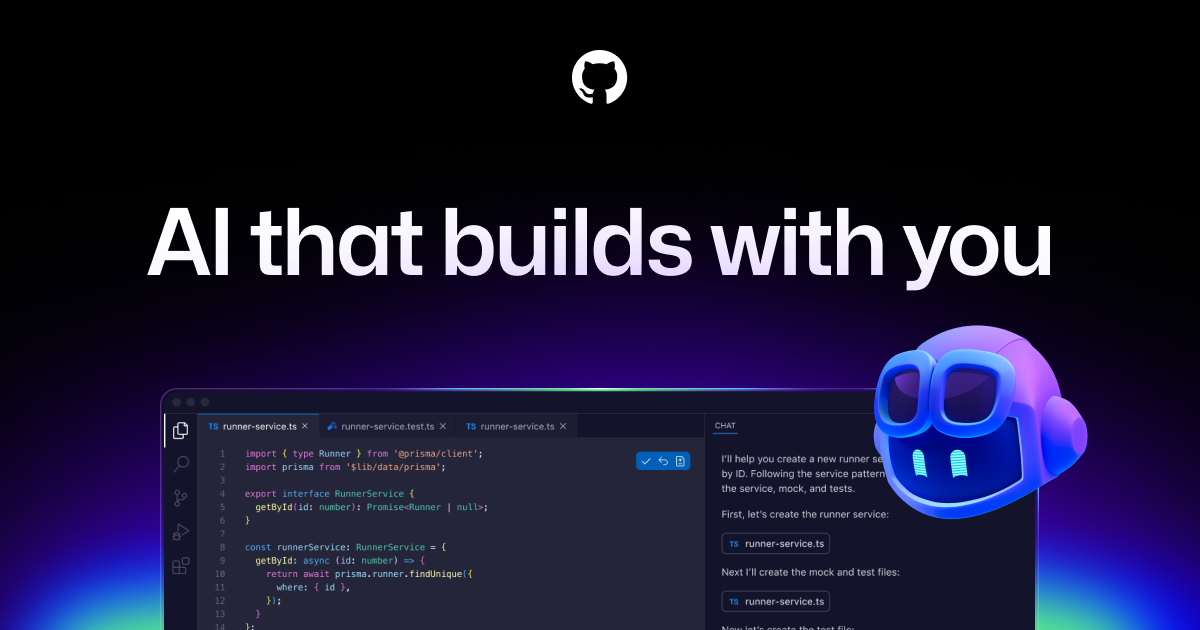

GitHub Copilot is an AI-powered coding assistant developed by GitHub in collaboration with OpenAI that provides real-time code suggestions, function completions, and conversational coding help directly inside your editor. As one of the first mainstream AI pair programming tools, Copilot has been adopted by millions of developers and has become a standard part of many professional development workflows.
Copilot works by analyzing the context of your current file, comments, and function signatures to suggest relevant code completions as you type. These suggestions range from single-line completions to entire function implementations, and the tool supports dozens of programming languages including Python, JavaScript, TypeScript, Go, Rust, and Java. Copilot Chat extends the experience with a conversational interface where developers can ask questions about their code, request explanations, generate tests, and get debugging assistance. Beyond the editor, Copilot integrates with the broader GitHub ecosystem, offering code review suggestions directly in pull requests and a Workspace agent that can handle multi-file development tasks. The Copilot Extensions ecosystem allows third-party tools to plug into the Copilot experience, further expanding its capabilities.
GitHub Copilot is a strong fit for developers across all experience levels. Junior developers benefit from its ability to suggest idiomatic patterns and boilerplate code, while senior developers use it to accelerate routine tasks and explore unfamiliar APIs. Teams already invested in the GitHub ecosystem get particular value from the tight integration with pull requests, issues, and GitHub Actions. The tool supports VS Code, all JetBrains IDEs, Neovim, and Visual Studio, giving it the broadest editor coverage of any major AI coding assistant.
Pricing is competitive, with a free tier available for individual developers that includes a limited number of completions and chat messages per month. The Individual plan costs $10 per month, while the Business plan at $19 per user per month adds enterprise features like organization-wide policy management, IP indemnity, and audit logs. The Enterprise plan at $39 per user per month includes additional customization and fine-tuning capabilities. While Copilot's code suggestions can occasionally be less contextually aware than editor-native tools like Cursor, its broad ecosystem integration and affordable pricing make it an accessible entry point for AI-assisted development.
Last updated: July 2026
Key Features
- Real-time code suggestions and completions
- Copilot Chat for natural language Q&A about code
- Support for VS Code, JetBrains, Neovim, and more
- Code review suggestions in GitHub pull requests
- Workspace agent for multi-file tasks
- Copilot Extensions ecosystem
Pros
- + Most affordable premium AI coding assistant at $10/mo
- + Tight integration with GitHub ecosystem and PRs
- + Broad editor support across VS Code, JetBrains, and Neovim
- + Free tier available for individual developers
Cons
- − Code suggestions can be less context-aware than Cursor
- − Enterprise features require the more expensive Business plan
- − Occasionally suggests outdated or deprecated code patterns
Articles About GitHub Copilot
User Reviews
★
★
★
★
★
4.2 from 4 reviews
NM
Natalie Martin
★
★
★
★
★
this is one of those tools that just works. set it up in 5 min, been using it daily since. love the autocomplete
Jun 29, 2026
SP
Simone Petrov
★
★
★
★
★
really good for prototyping. I've tried the alternatives and this handles edge cases way better
Apr 09, 2026
OE
Owen Edwards
★
★
★
★
★
good tool, use it daily. autocomplete works well. only wish multi-language support was better but overall solid
Mar 22, 2026
MR
Megan Reyes
★
★
★
★
★
good not great. the context window is excellent but I feel like custom models should be a priority for them
Dec 18, 2025
Related Guides
Compare GitHub Copilot






Looking for something different?
View GitHub Copilot Alternatives →