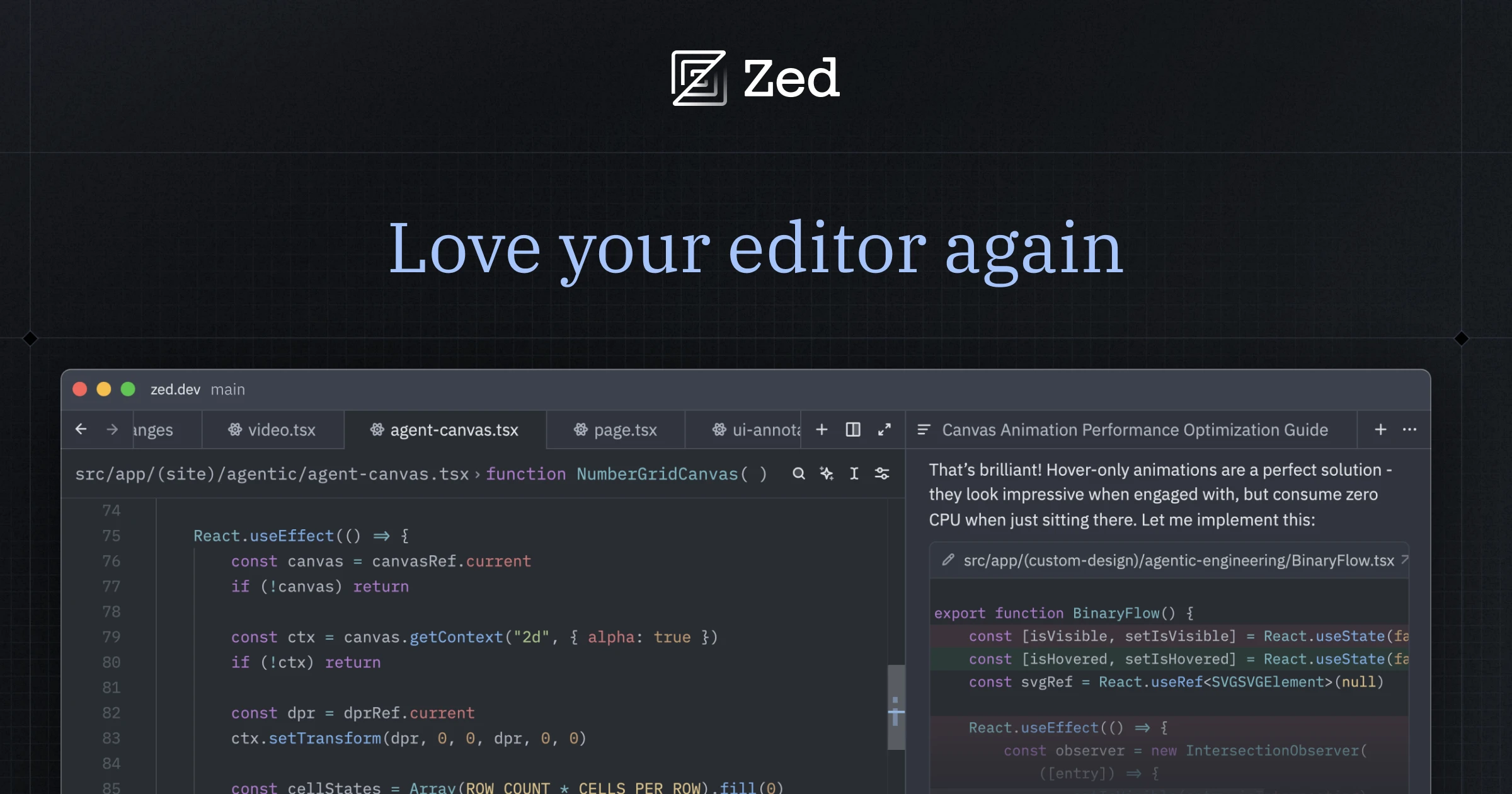

Zed is a high-performance code editor built from the ground up in Rust that combines native speed, built-in AI assistance, and real-time multiplayer collaboration in an open-source package. Created by the team behind the Atom text editor, Zed is designed for developers who want the fastest possible editing experience paired with modern AI and collaborative capabilities.
Zed's performance is its most immediately noticeable characteristic. Written in Rust with a custom GPU-accelerated rendering engine, it launches instantly, scrolls without any jank, and handles large files and projects without the slowdowns that plague Electron-based editors. This performance advantage is meaningful for developers who spend hours in their editor daily and find even small latency in keystrokes and scrolling disruptive to their flow. Zed's AI features connect to multiple LLM providers including OpenAI, Anthropic, and local models via Ollama, providing inline code generation, transformation, and a chat assistant. The AI integration feels native rather than bolted on, with inline generation triggered through simple keyboard shortcuts. Real-time multiplayer collaboration is built into the editor's core architecture, allowing multiple developers to edit the same file simultaneously with presence indicators, shared cursors, and integrated voice chat. This is not screen sharing or a plugin; it is a fundamental part of how Zed works. The editor includes comprehensive language server protocol support, Vim mode, and a growing extension ecosystem.
Zed appeals to developers who prioritize speed and responsiveness above all else, especially those frustrated by the resource consumption of VS Code and other Electron-based editors. Developers who practice pair programming regularly will appreciate the seamless collaboration features. The open-source nature and free pricing make it accessible to anyone.
Zed is completely free and open-source, with no paid tiers or usage restrictions. AI features are free to use with your own API keys for cloud models, or fully free when using local models through Ollama. The main limitations are platform support, as Zed is currently available on macOS and Linux but not Windows, and a smaller extension ecosystem compared to VS Code. Developers who rely on specific VS Code extensions may find gaps in availability.
Last updated: July 2026
Key Features
- Built in Rust for maximum performance
- Built-in AI assistant with multiple LLM providers
- Real-time multiplayer collaboration
- Inline AI code generation and transformation
- Language server protocol support
- Vim mode and extensive keyboard shortcuts
Pros
- + Blazing fast — significantly faster than VS Code and Cursor
- + Free and open-source with no usage limits
- + Native multiplayer collaboration built in
- + Clean, distraction-free interface
Cons
- − Smaller extension ecosystem compared to VS Code
- − macOS and Linux only — no Windows support yet
- − AI features still maturing compared to Cursor
Articles About Zed
User Reviews
★
★
★
★
★
4.4 from 4 reviews
HF
Hannah Foster
★
★
★
★
★
way better than I expected. tried it on a whim and now it's part of my daily workflow. smart refactoring is the standout
Dec 02, 2025
3 found this helpful
MK
Megan K.
★
★
★
★
★
solid choice if you need it for refactoring. compared to alternatives the tab completion is better here
Jul 03, 2026
2 found this helpful
JS
Julia S.
★
★
★
★
★
way better than I expected. tried it on a whim and now it's part of my daily workflow. inline chat is the standout
Jun 28, 2026
ON
Olivia Nakamura
★
★
★
★
★
way better than I expected. tried it on a whim and now it's part of my daily workflow. inline chat is the standout
Jun 20, 2026
Related Guides
Compare Zed





Looking for something different?
View Zed Alternatives →