
Pieces for Developers
Your AI-powered workflow assistant for code snippets and context.
Pieces for Developers is an AI-powered productivity tool designed to help developers save, organize, enrich, and reuse code snippets across their entire workflow. Rather than competing directly with code completion tools, Pieces focuses on the broader challenge of managing the code fragments, context, and knowledge that developers encounter throughout their day across editors, browsers, documentation sites, and communication tools.
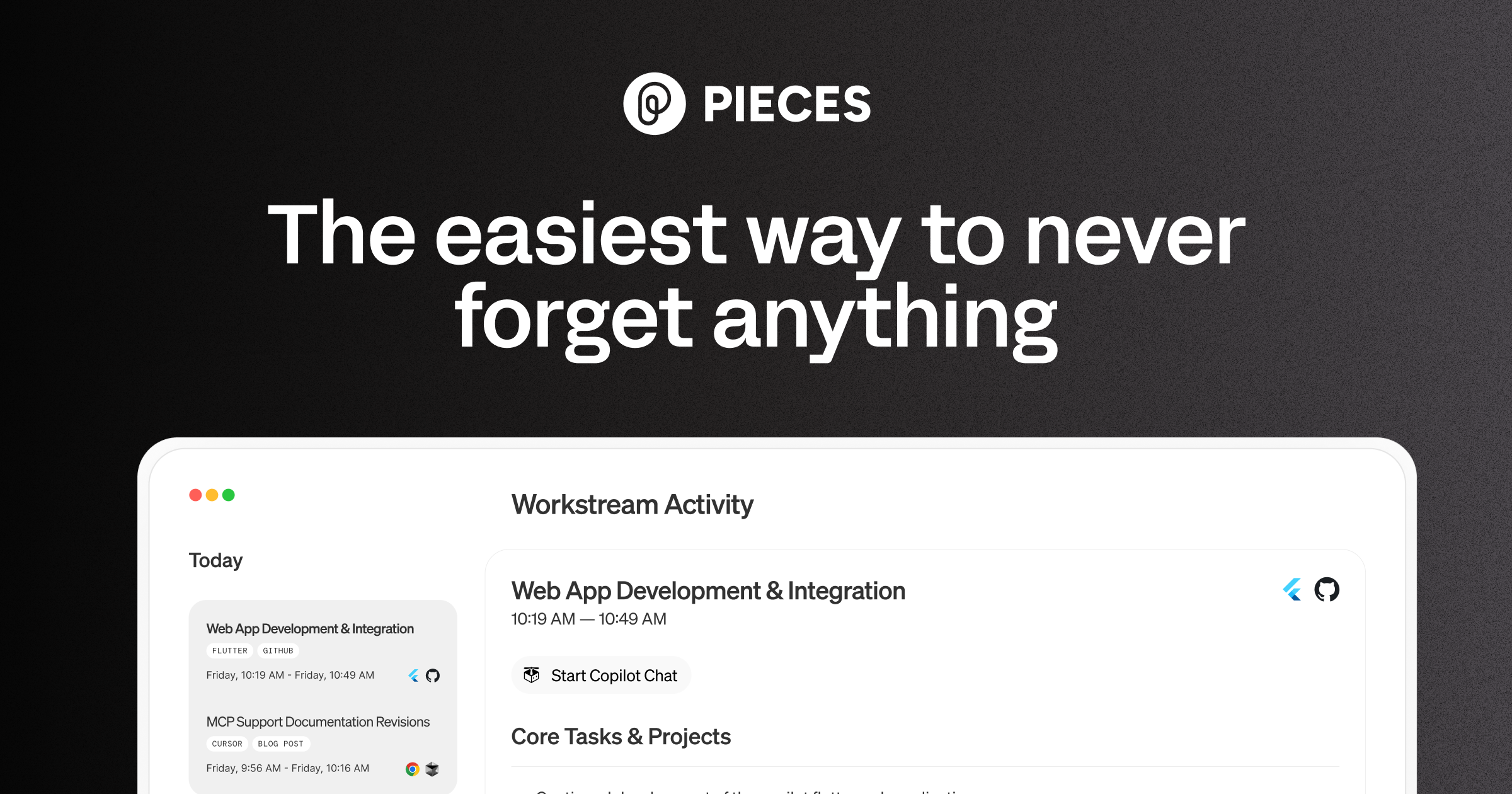
Pieces operates primarily through on-device AI processing, meaning saved code snippets and workflow data never leave the developer's machine unless explicitly shared. When a developer saves a code snippet, Pieces automatically enriches it with metadata including tags, a description, the original source URL, related files, and programming language classification. This automatic enrichment eliminates the manual organization burden that makes most snippet managers impractical. The tool integrates across the entire development workflow, with plugins for VS Code, JetBrains IDEs, Chrome, Edge, Microsoft Teams, and other tools, allowing developers to capture useful code from wherever they encounter it. The Copilot chat feature provides conversational AI assistance for code-related questions, drawing context from saved snippets and recent workflow activity. Workflow activity tracking maintains a timeline of what a developer has been working on, enabling recall of code, context, and decisions from previous sessions.
Pieces is best suited for developers who frequently encounter and reuse code patterns, work with multiple documentation sources, or switch between several projects where retaining context is a challenge. It is particularly valuable for developers who spend significant time in browsers reviewing Stack Overflow answers, documentation, and tutorials, as the browser extension makes capturing useful code effortless. Teams where knowledge sharing is important benefit from Pieces' ability to share enriched snippets with contextual metadata intact.
The free tier is generous for individual developers, with paid plans offering additional features like team sharing and cloud backup. A desktop application is required as the foundation of the Pieces experience, with the various integrations connecting to it. Developers who rarely reuse code patterns or who work primarily within a single project may find less value in the snippet management approach compared to traditional AI code completion tools.
Last updated: July 2026
Key Features
- AI-powered code snippet management
- On-device processing for privacy
- Auto-enrichment with tags, descriptions, and context
- Integrations with VS Code, JetBrains, Chrome, and more
- Copilot chat for code Q&A
- Workflow activity tracking and context recall
Pros
- + On-device AI means code never leaves your machine
- + Excellent snippet management saves time on repetitive tasks
- + Rich integrations across the entire dev workflow
- + Free tier is generous for individual developers
Cons
- − Learning curve to build the habit of saving snippets
- − Less useful if you don't frequently reuse code patterns
- − Desktop app required — no pure web version
User Reviews
★
★
★
★
★
3.8 from 4 reviews
JJ
Jordan Johnson
★
★
★
★
★
tried it for a month. multi-file awareness is solid but I found large file handling hard to deal with. might come back later when they improve it
Jul 06, 2026
1 found this helpful
JE
Jordan Edwards
★
★
★
★
★
solid choice if you need it for everyday coding. compared to alternatives the inline suggestions is better here
Jul 13, 2026
HW
Hana Williams
★
★
★
★
★
pretty good. saves me time on writing boilerplate most days. the autocomplete feature is the main reason I stick around
May 07, 2026
WJ
Will Johansson
★
★
★
★
★
switched to this about 3 months ago and honestly can't go back. the multi-file awareness alone saves me probably an hour a day
Mar 12, 2026
Related Guides
Compare Pieces for Developers






Looking for something different?
View Pieces for Developers Alternatives →