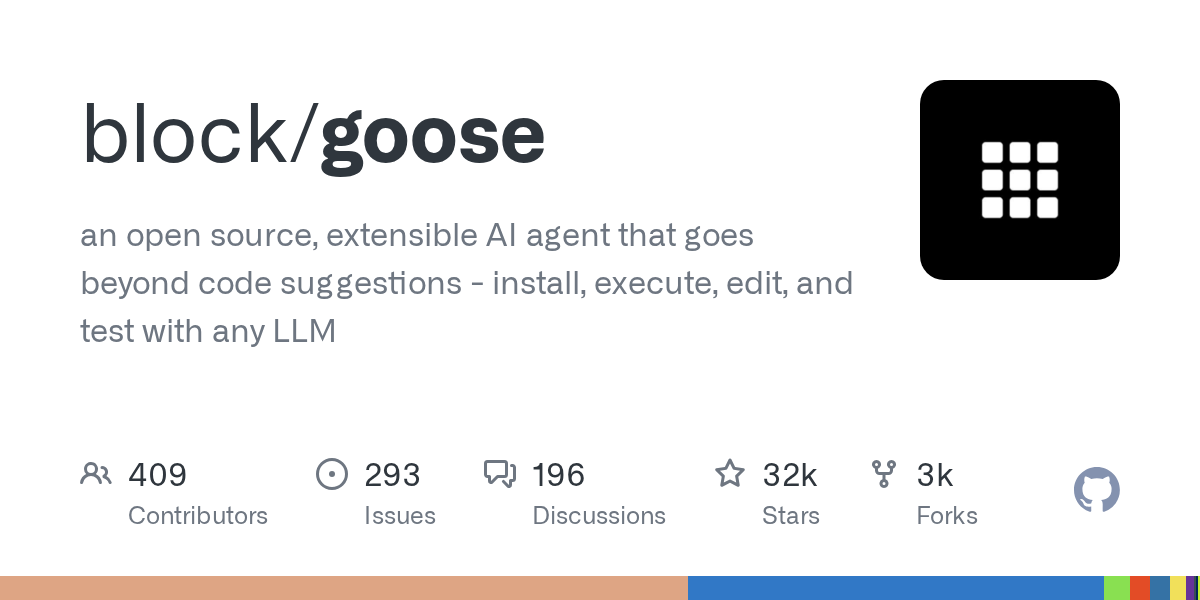

Goose is an open-source AI developer agent created by Block (the company formerly known as Square) that operates from your terminal to automate a wide range of engineering tasks, including writing code, managing files, running shell commands, and interacting with external services through an extensible toolkit system. It is designed to be a general-purpose development assistant that fits naturally into command-line workflows.
The standout feature of Goose is its extensible toolkit architecture. Rather than being limited to a fixed set of capabilities, Goose supports toolkits that can be added to extend its abilities. The default toolkits handle common tasks like file operations, shell commands, and code editing, but you can add toolkits for interacting with specific services, databases, APIs, or internal tools. This extensibility makes Goose adaptable to a wide variety of development workflows and organizational contexts. Goose also maintains session memory across multi-turn interactions, so you can have an extended working session where the agent builds on previous context and instructions.
Goose supports multiple LLM providers, allowing developers to connect it to Anthropic's Claude, OpenAI's models, or other compatible providers. It operates directly in your terminal, which means it integrates naturally with existing development workflows -- you can use it alongside your regular terminal commands, pipe output to and from it, and incorporate it into scripts. The agent takes a conversational approach where you describe what you want to accomplish and it plans and executes the steps, asking for clarification when needed.
Goose is best suited for developers who are comfortable working in the terminal and want an AI agent that can be customized to their specific workflow through the toolkit system. It is particularly appealing to teams at organizations that use Block's other open-source tools or that need an agent they can extend with custom integrations. Being backed by Block, a major technology company, provides some confidence in the project's longevity and maintenance. Goose is free and open-source, with costs limited to API usage from your chosen LLM provider. Developers who prefer graphical interfaces or IDE integration may find terminal-only operation limiting, and the documentation is still evolving as the project matures.
Last updated: July 2026
Key Features
- Terminal-based AI developer agent
- File creation, editing, and management
- Shell command execution and automation
- Extensible toolkit with custom integrations
- Support for multiple LLM providers
- Session memory for multi-turn interactions
Pros
- + Open-source and backed by Block (Square)
- + Extensible toolkit system for custom workflows
- + Terminal-native fits into existing dev workflows
- + Free to use with your own API keys
Cons
- − Terminal-only interface requires CLI comfort
- − Smaller community than Cline or Aider
- − Documentation still developing
User Reviews
★
★
★
★
★
3.5 from 4 reviews
MR
Maya R.
★
★
★
★
★
been on it about 4 months. definitely improved my workflow. codebase reasoning is great, unpredictable output not so much
Jul 07, 2026
JR
James R.
★
★
★
★
★
decent tool. I keep it around because autonomous mode is genuinely useful but unnecessary commands is frustrating
Jun 26, 2026
AR
Amy Ruiz
★
★
★
★
★
using it alongside my regular setup for building features. it adds real value, just has some rough edges with unpredictable output
May 28, 2026
DB
Dmitri Brown
★
★
★
★
★
been on it about 4 months. definitely improved my workflow. multi-step planning is great, slow tasks not so much
Jan 10, 2026
Related Guides
Compare Goose






Looking for something different?
View Goose Alternatives →