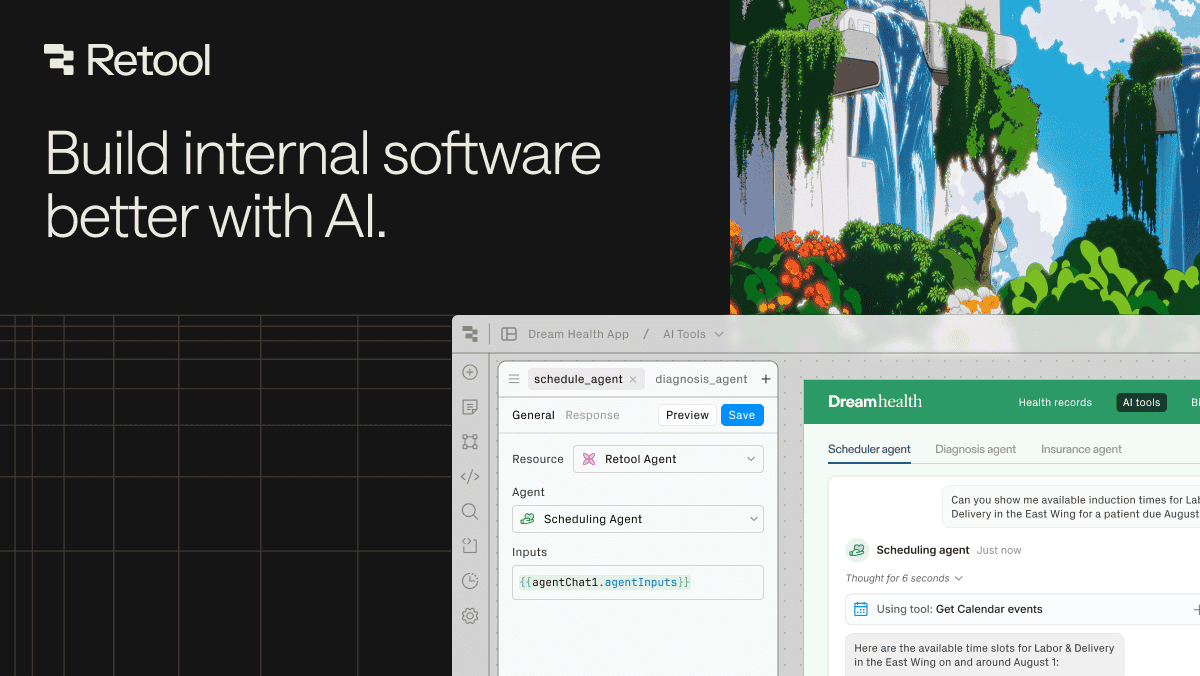

Retool is a low-code development platform designed specifically for building internal tools, admin panels, dashboards, and back-office applications. It provides a drag-and-drop interface with pre-built UI components that connect directly to databases, APIs, and third-party services, allowing teams to build functional internal applications in a fraction of the time required for custom development.
Retool's approach balances the speed of no-code tools with the flexibility developers need. The platform includes over 100 pre-built components, including tables, forms, charts, maps, file uploaders, and rich text editors, that can be assembled into application layouts. These components connect to data sources through built-in integrations with PostgreSQL, MySQL, MongoDB, REST APIs, GraphQL endpoints, Snowflake, BigQuery, and dozens of other services. When the pre-built components and integrations are not sufficient, developers can write custom JavaScript to implement complex business logic, data transformations, and conditional workflows. Retool's AI features include the ability to generate application layouts from natural language descriptions, as well as an AI-powered query assistant that helps write SQL and API queries.
Retool is best suited for engineering teams that need to build internal tools but want to avoid the ongoing maintenance burden of custom-built admin panels. Common use cases include customer support dashboards, order management systems, content moderation tools, and data operations interfaces. Teams that find themselves building CRUD interfaces, data viewers, or approval workflows repeatedly will see the most benefit. Product and operations teams can use Retool to create their own tools with minimal engineering involvement, freeing up developers for product work.
Retool offers a free tier for up to 5 users with limited features. The Team plan starts at $10 per standard user per month, while the Business plan at $50 per standard user per month adds features like audit logging, custom branding, and source control integration. Enterprise pricing is custom and includes SSO, granular permissions, and self-hosted deployment options. The self-hosted option is important for organizations with strict data residency requirements who cannot use cloud-hosted platforms. While Retool is more expensive than open-source alternatives like Appsmith, its broader integration library and more polished component set often justify the cost for teams that value speed and reliability.
Last updated: March 2026
Key Features
- Drag-and-drop internal tool builder
- AI-powered natural language app generation
- Connect to any database, API, or GraphQL endpoint
- Custom JavaScript for complex business logic
- Pre-built components for tables, forms, and charts
- Role-based access control and permissions
Pros
- + Dramatically faster than building internal tools from scratch
- + Connects to virtually any data source
- + Custom JavaScript preserves developer flexibility
- + AI generation kickstarts app creation
Cons
- − Pricing can be expensive for larger teams
- − Complex apps can feel constrained by the platform
- − Learning curve for advanced customization
User Reviews
★
★
★
★
★
4.0 from 2 reviews
DL
Daniel L.
★
★
★
★
★
solid choice if you need it for landing pages. compared to alternatives the template library is better here
Jun 03, 2026
AT
Anna Torres
★
★
★
★
★
pretty good. saves me time on rapid prototyping most days. the responsive design feature is the main reason I stick around
Dec 18, 2025
Compare Retool






Looking for something different?
View Retool Alternatives →