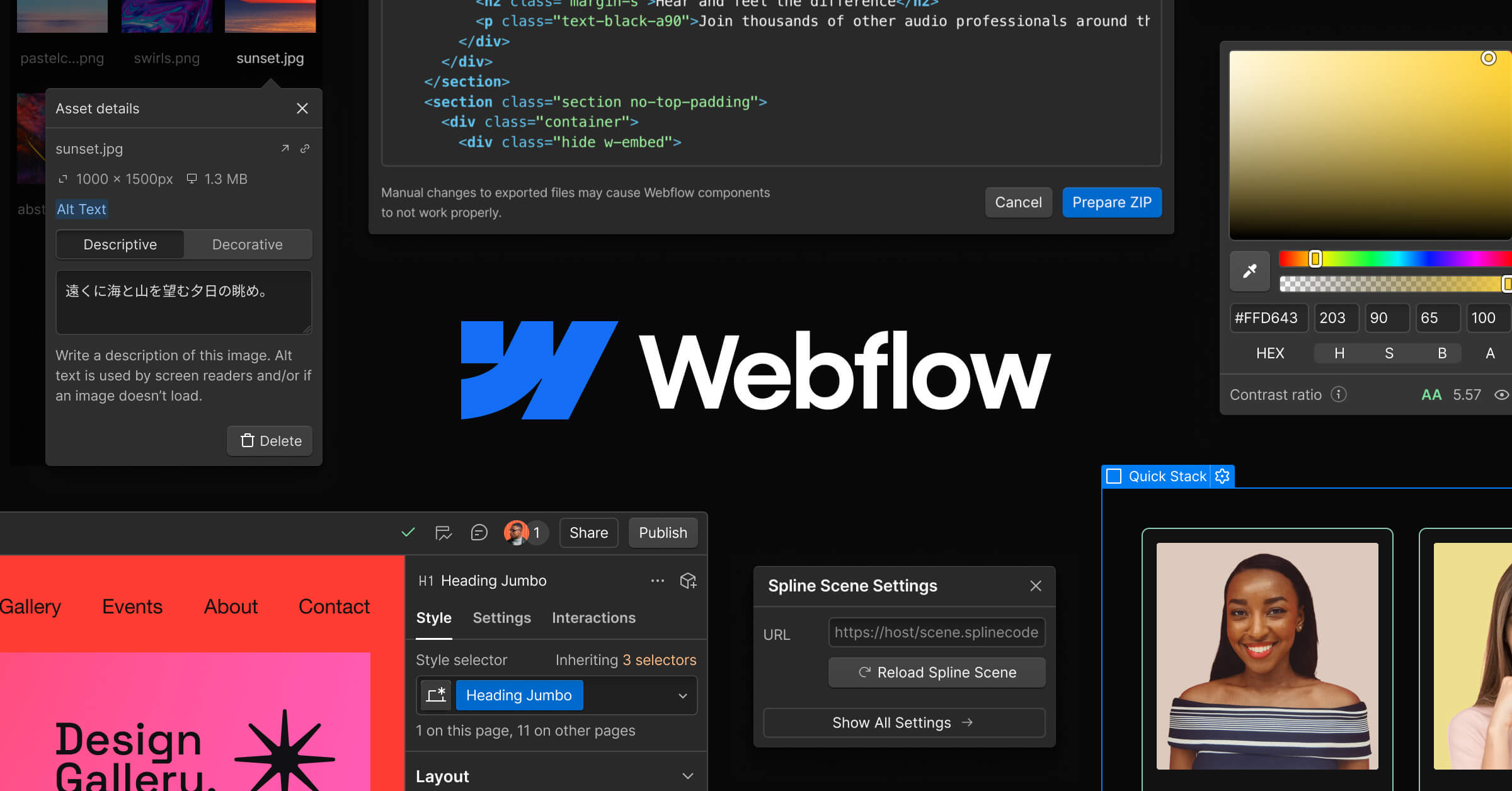

Webflow
Professional website builder with full design control and no code.
Webflow is a professional-grade visual web design and development platform that gives designers full control over HTML, CSS, and JavaScript behavior through a visual interface, without requiring them to write code. It combines a sophisticated design tool with built-in CMS, hosting, and e-commerce capabilities, producing clean, semantic, production-ready code.
Webflow's visual editor operates on the actual CSS box model rather than abstract, simplified layout options, which gives it a level of design precision that template-based website builders cannot match. Designers can control flexbox and grid layouts, animations, interactions, responsive breakpoints, and CSS properties directly through the visual interface. The built-in CMS allows teams to create custom content structures, including collection types with defined fields, dynamic pages, and content relationships, making it suitable for blogs, directories, portfolios, and other content-driven sites. Webflow's interactions designer enables complex scroll-based animations, hover effects, and multi-step transitions without JavaScript. The platform generates clean, semantic HTML and CSS that can be exported if a team decides to move off the platform.
Webflow is best suited for designers, design agencies, and marketing teams that need to build visually sophisticated websites without developer involvement. It excels at marketing sites, landing pages, company websites, and portfolio sites where design quality is a priority. Agencies use Webflow to deliver client projects faster while maintaining full design control. Developers who want to prototype designs quickly can also benefit, though Webflow is not designed for complex web applications with heavy client-side logic or custom backend requirements.
Webflow offers a free plan that allows two projects with Webflow-subdomain hosting. Paid site plans start at $14 per month for basic hosting and $23 per month for CMS-enabled sites. Workspace plans for teams start at $19 per seat per month. E-commerce plans begin at $29 per month. Costs can add up when combining workspace, site, and CMS plans, particularly for agencies managing multiple client projects. Webflow's learning curve is steeper than simpler builders like Squarespace, but the investment pays off for teams that need design flexibility beyond what template-based tools offer.
Last updated: July 2026
Key Features
- Visual web design with full CSS control
- Built-in CMS for dynamic content
- E-commerce functionality
- Hosting with global CDN
- Interactions and animations designer
- Clean, semantic HTML/CSS code export
Pros
- + Unmatched design flexibility for a no-code tool
- + Produces clean, production-quality code
- + Built-in CMS eliminates need for separate backend
- + Excellent for marketing sites and landing pages
Cons
- − Steep learning curve compared to simpler builders
- − Not suitable for complex web applications
- − Pricing adds up with CMS items and hosting
User Reviews
★
★
★
★
★
4.0 from 4 reviews
MR
Mike Reyes
★
★
★
★
★
does what I need for rapid prototyping. not perfect — export options can be annoying — but the core is strong
Jun 02, 2026
2 found this helpful
CD
Carla Duval
★
★
★
★
★
pretty good. saves me time on building MVPs most days. the drag-and-drop builder feature is the main reason I stick around
May 23, 2026
1 found this helpful
MJ
Mei Johansson
★
★
★
★
★
been on it about 4 months. definitely improved my workflow. responsive design is great, scale perf not so much
Jun 30, 2026
RL
Rob Liu
★
★
★
★
★
using this for a large codebase (~200k lines) and it handles it surprisingly well. one-click deploy is clutch
May 28, 2026
Compare Webflow






Looking for something different?
View Webflow Alternatives →