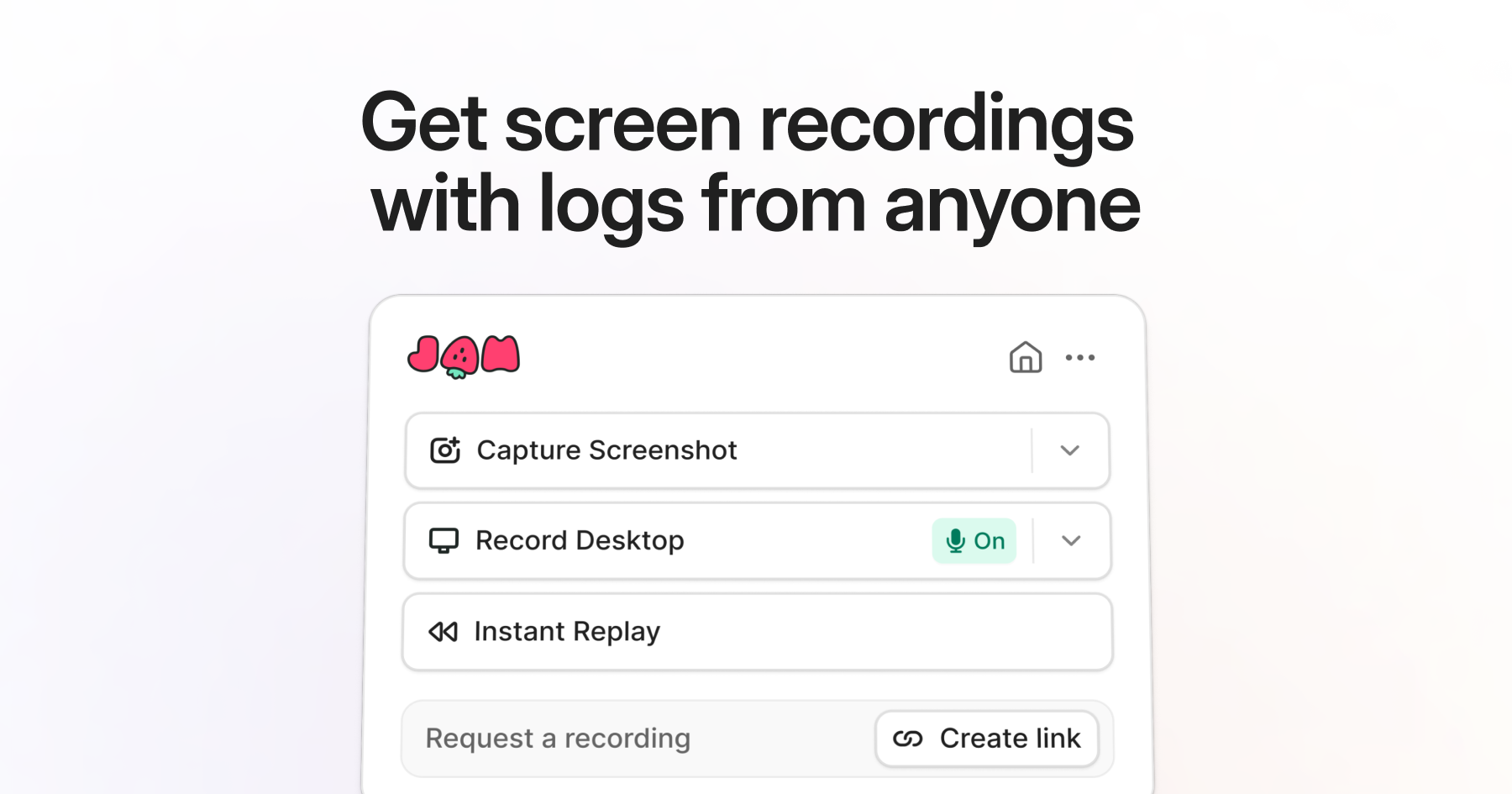

Jam is a bug reporting tool that captures comprehensive technical context with a single click, eliminating the time-consuming back-and-forth between bug reporters and developers trying to reproduce issues. Its AI analyzes the captured data to suggest root causes and potential fixes before a developer even looks at the report.
The tool works as a browser extension and desktop application. When a user encounters a bug, clicking the Jam button captures a screen recording of the issue, along with the browser console logs, network requests and responses, browser version, operating system, screen resolution, and any JavaScript errors that occurred. All of this context is packaged into a single shareable report that gives developers everything they need to understand and reproduce the problem. For developers, this eliminates the most frustrating aspect of bug fixing: the inability to reproduce issues reported with vague descriptions like "the page is broken." The AI analysis feature examines the captured console errors, network failures, and other signals to suggest what went wrong and where to look in the code, often pointing directly to the relevant error or failed API call.
Integration with project management tools like Jira, Linear, GitHub Issues, and Slack means bug reports flow directly into existing workflows. Developers receive structured reports with all the technical context inline, rather than having to request screenshots, browser versions, or reproduction steps from the reporter. The tool is designed so that non-technical team members like QA testers, customer support agents, and product managers can capture high-quality bug reports without understanding the technical details being collected.
Jam is best suited for teams where bug reporting and reproduction is a significant time sink. Organizations with dedicated QA teams, customer-facing support teams that relay issues to engineering, or cross-functional product teams where non-developers frequently report bugs will see the most value. It is particularly effective for web application teams, as the browser extension captures web-specific context.
The free tier is generous enough for small teams, including unlimited bug reports and basic integrations. Paid plans add team management features, advanced integrations, priority support, and extended data retention. The tool is currently focused on browser-based applications, with limited support for native mobile or desktop application bug reporting.
Last updated: March 2026
Key Features
- One-click bug capture with screen recording
- Automatic console log and network request capture
- AI-powered root cause analysis
- Browser extension for instant bug reports
- Integration with Jira, Linear, GitHub, and Slack
- Device and browser info auto-collection
Pros
- + Eliminates bug reproduction back-and-forth entirely
- + AI root cause analysis saves debugging time
- + Dead simple to use for non-technical team members
- + Free tier is generous for small teams
Cons
- − Limited to browser-based applications
- − AI suggestions aren't always accurate for complex bugs
- − Requires team adoption to get full value
User Reviews
★
★
★
★
★
4.2 from 2 reviews
CR
Chloe R.
★
★
★
★
★
does what I need for error monitoring. not perfect — setup complexity can be annoying — but the core is strong
Jun 06, 2026
2 found this helpful
FS
Fiona Sato
★
★
★
★
★
the team ships fast and actually listens to feedback. fix suggestions was a community request and they nailed it
Mar 21, 2026
Compare Jam.dev





Looking for something different?
View Jam.dev Alternatives →