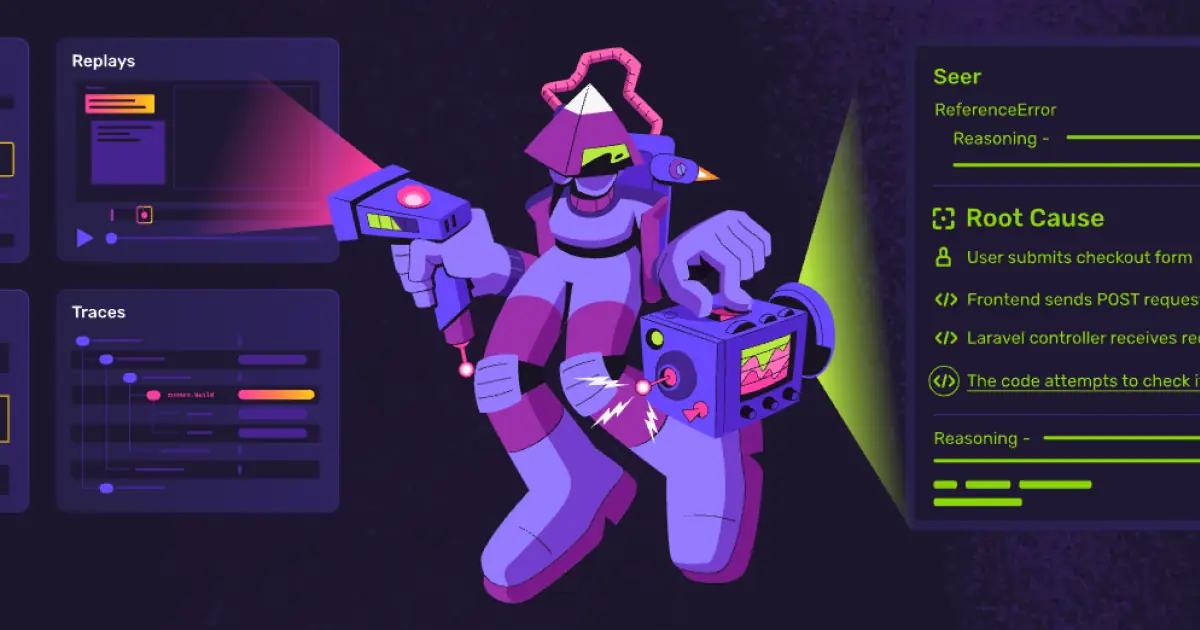

Sentry is the leading application monitoring and error tracking platform, used by millions of developers to identify, diagnose, and resolve software errors and performance issues in production applications. Its AI-powered features analyze errors to suggest root causes and potential fixes, accelerating the debugging process.
The platform captures errors across more than 100 platforms and languages, including JavaScript, Python, Java, Ruby, Go, PHP, .NET, React Native, Flutter, and many others. When an error occurs, Sentry captures a detailed stack trace, breadcrumbs showing the events leading up to the error, user context, browser or device information, and any custom data the developer has attached. The AI-powered issue analysis examines error patterns across the codebase and suggests likely root causes, often identifying the specific code change that introduced the bug. Automatic error grouping uses intelligent algorithms to cluster related errors into issues, preventing alert storms where a single underlying problem generates thousands of individual error reports.
Performance monitoring provides distributed tracing that tracks requests across services, identifying slow database queries, external API calls, and rendering bottlenecks. Session replay records user interactions leading up to errors, giving developers a visual understanding of exactly what the user experienced. Release health tracking monitors the stability of each deployment, comparing error rates and performance metrics before and after releases to quickly identify regressions.
Sentry is best suited for development teams building web applications, mobile apps, and backend services that need visibility into production errors and performance. It is valuable across the entire spectrum from solo developers who want basic crash reporting to large engineering organizations that need enterprise-grade monitoring with team-based issue assignment and SLA tracking.
The free developer tier is generous, covering 5,000 errors, 10,000 performance transactions, and one session replay per month, which is sufficient for small projects. The Team plan starts at $26 per month and adds collaboration features, integrations, and higher limits. Business and Enterprise plans provide advanced features including data retention, custom roles, and dedicated support. Pricing scales with event volume, so high-traffic applications can incur significant costs.
Last updated: July 2026
Key Features
- Real-time error tracking and alerting
- AI-powered root cause analysis and fix suggestions
- Performance monitoring and tracing
- Session replay for visual debugging
- Release health tracking
- Support for 100+ platforms and languages
Pros
- + Industry standard for error tracking and monitoring
- + AI-powered insights significantly speed up debugging
- + Generous free tier for small teams
- + Massive platform support and integration ecosystem
Cons
- − Can generate overwhelming volume of alerts if not configured
- − Pricing scales with event volume — can get expensive
- − Session replay adds significant data overhead
User Reviews
★
★
★
★
★
4.0 from 3 reviews
CT
Chris Torres
★
★
★
★
★
does what I need for CI/CD. not perfect — learning curve can be annoying — but the core is strong
Jul 15, 2026
2 found this helpful
SW
Sofia W.
★
★
★
★
★
been using it since the beta. it's gotten so much better. the deploy automation is actually useful now, not just a gimmick
Mar 08, 2026
BK
Brandon Keller
★
★
★
★
★
does what I need for monitoring. not perfect — docs gaps can be annoying — but the core is strong
Feb 13, 2026
Related Guides
Compare Sentry






Looking for something different?
View Sentry Alternatives →