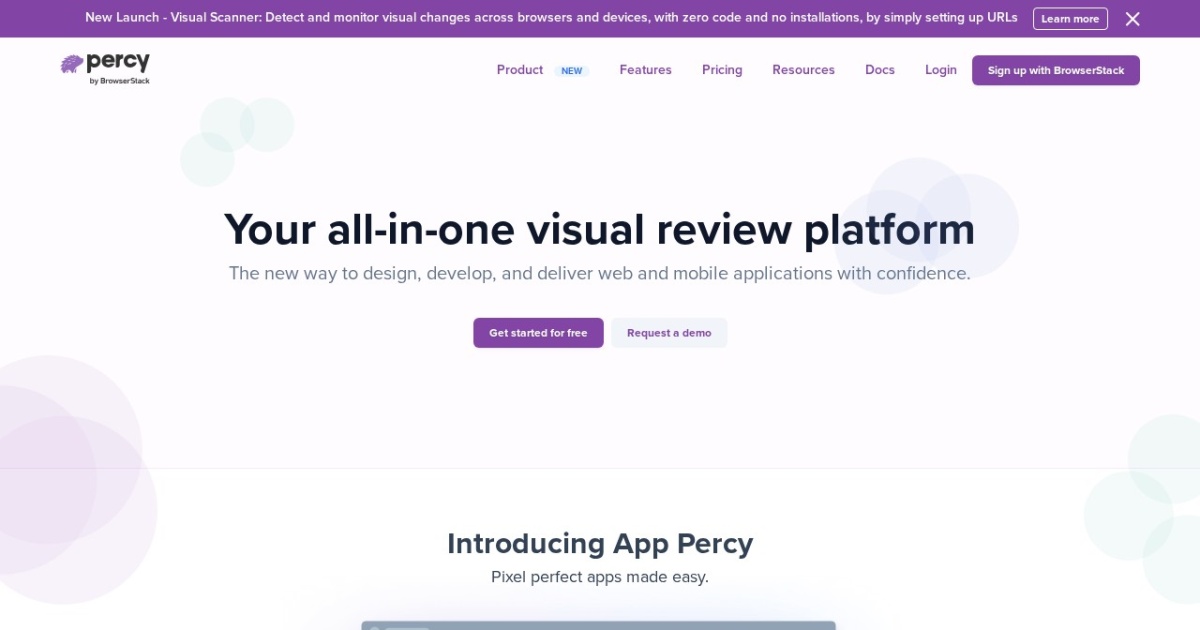

Percy, now part of BrowserStack, is an automated visual testing platform that captures screenshots of your web application's UI across multiple browsers and screen sizes, compares them against approved baselines, and highlights visual differences to catch unintended UI regressions before they reach production. It addresses the category of bugs that functional tests simply cannot detect -- visual discrepancies.
Percy works by rendering your pages or components in real browsers during your CI pipeline, capturing pixel-level screenshots, and comparing them against previously approved baseline images. When differences are detected, Percy highlights the changed areas and presents them in a review interface where team members can approve intentional changes or flag regressions for fixing. This approval workflow integrates with GitHub and GitLab pull requests, so visual review becomes a natural part of the code review process. Percy supports rendering across different browsers (Chrome, Firefox, Safari) and screen sizes, which is essential for catching responsive design issues that may only appear at certain viewport widths.
Percy integrates with popular testing frameworks and tools including Cypress, Playwright, Storybook, Selenium, and Puppeteer. You can capture snapshots at specific points in your existing test suite, which means visual testing builds on top of your current testing infrastructure rather than requiring a separate setup. For teams using Storybook, Percy can automatically snapshot every story, providing visual regression coverage for your entire component library with minimal configuration.
Percy is best suited for frontend development teams that maintain complex user interfaces and need to catch visual regressions that functional tests miss. It is particularly valuable for teams working on design systems, component libraries, or applications where visual consistency is critical for the user experience. The tool offers a free tier with a limited number of screenshots per month, with paid plans that scale based on screenshot volume. Pricing can become a consideration for large applications that generate many screenshots per build, as costs scale linearly with snapshot count. Teams should also expect to manage some false positives from dynamic content like timestamps, animations, or advertisements, though Percy provides tools for ignoring specific regions to mitigate this.
Last updated: July 2026
Key Features
- Automated visual regression testing
- Cross-browser screenshot comparison
- Responsive design testing across screen sizes
- GitHub and GitLab PR integration
- Approval workflows for visual changes
- Integration with Cypress, Playwright, and Storybook
Pros
- + Catches visual regressions that unit tests miss
- + Excellent cross-browser testing coverage
- + Good integration with popular testing frameworks
- + Approval workflow makes review process clear
Cons
- − Free tier limited to a small number of screenshots
- − Can produce false positives from dynamic content
- − Pricing scales with screenshot volume
User Reviews
★
★
★
★
★
4.0 from 3 reviews
LW
Laura Wilson
★
★
★
★
★
way better than I expected. tried it on a whim and now it's part of my daily workflow. CI integration is the standout
Feb 05, 2026
2 found this helpful
AD
Alex Duval
★
★
★
★
★
good not great. the test generation is excellent but I feel like monorepo support should be a priority for them
Jun 07, 2026
DR
Daniel Ruiz
★
★
★
★
★
better than most options out there for enforcing standards. config complexity is my only real complaint
May 05, 2026
Compare Percy





Looking for something different?
View Percy Alternatives →